
Your next move.
Made clear.
G-Code Guru puts controller-specific G-codes, M-codes and machining know-how in your pocket. Ready at the machine. Even offline.

MILLING / TURNING / 3D PRINTINGIllustrative toolpath







Machinists worldwideand counting
Different controller.
Same confidence.
One code can mean different things on different machines. Get the context for the control in front of you, without another browser search.
G81Fanuc / MillingDrilling Cycle
Simple drilling cycle. Rapids to R-plane, feeds to Z depth, then rapids out. No dwelling or pecking.
G81 X_ Y_ Z_ R_ F_Use for shallow holes (typically less than 3x diameter). For deeper holes, use G73 or G83.
Read the full G81 pageEvery entry is the one-line reference from the app. Check your machine’s documentation before running code.
G41, G42 & G40Cutter Radius CompensationRead the reference G81 & G82Drilling CyclesRead the reference G43, G44 & G49Tool Length CompensationRead the reference G54 to G59Work OffsetsRead the reference G27, G28, G29 & G30Reference Point ReturnRead the reference M06Tool ChangeRead the reference M07, M08 & M09Coolant On and OffRead the reference G73 & G83Peck Drilling CyclesRead the reference G80Canned Cycle CancelRead the reference A whole lot of know-how.
One pocket-sized app.
From the first question to the next setup, keep your everyday tools together.
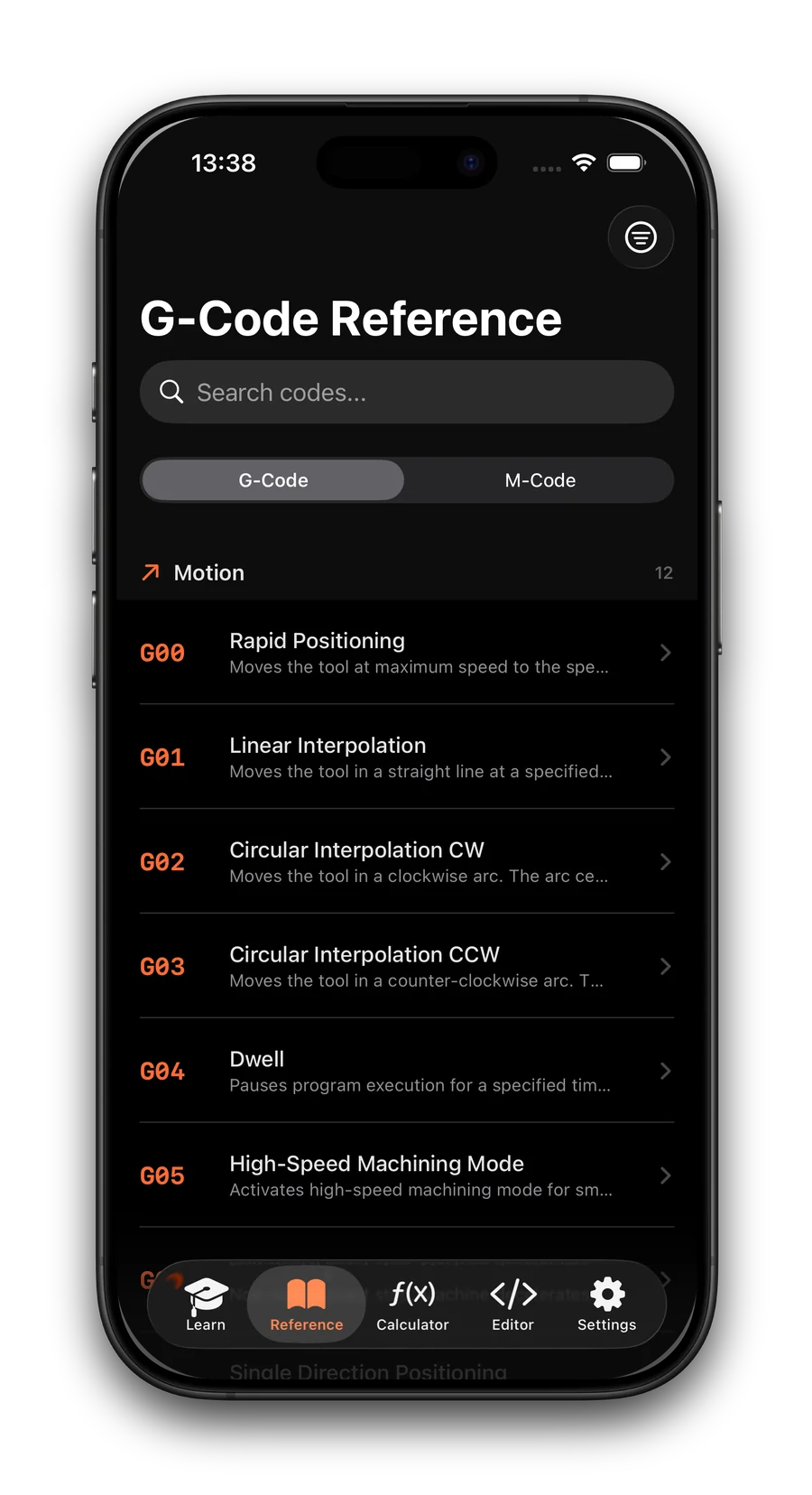
All 142 G & M codes, free forever. Find what a code does and check the notes for your controller.
No signal.
No interruption.
Thick workshop walls. A machine in the corner. Your reference, calculators and lessons are already with you.
Learn the code.
Understand the cut.
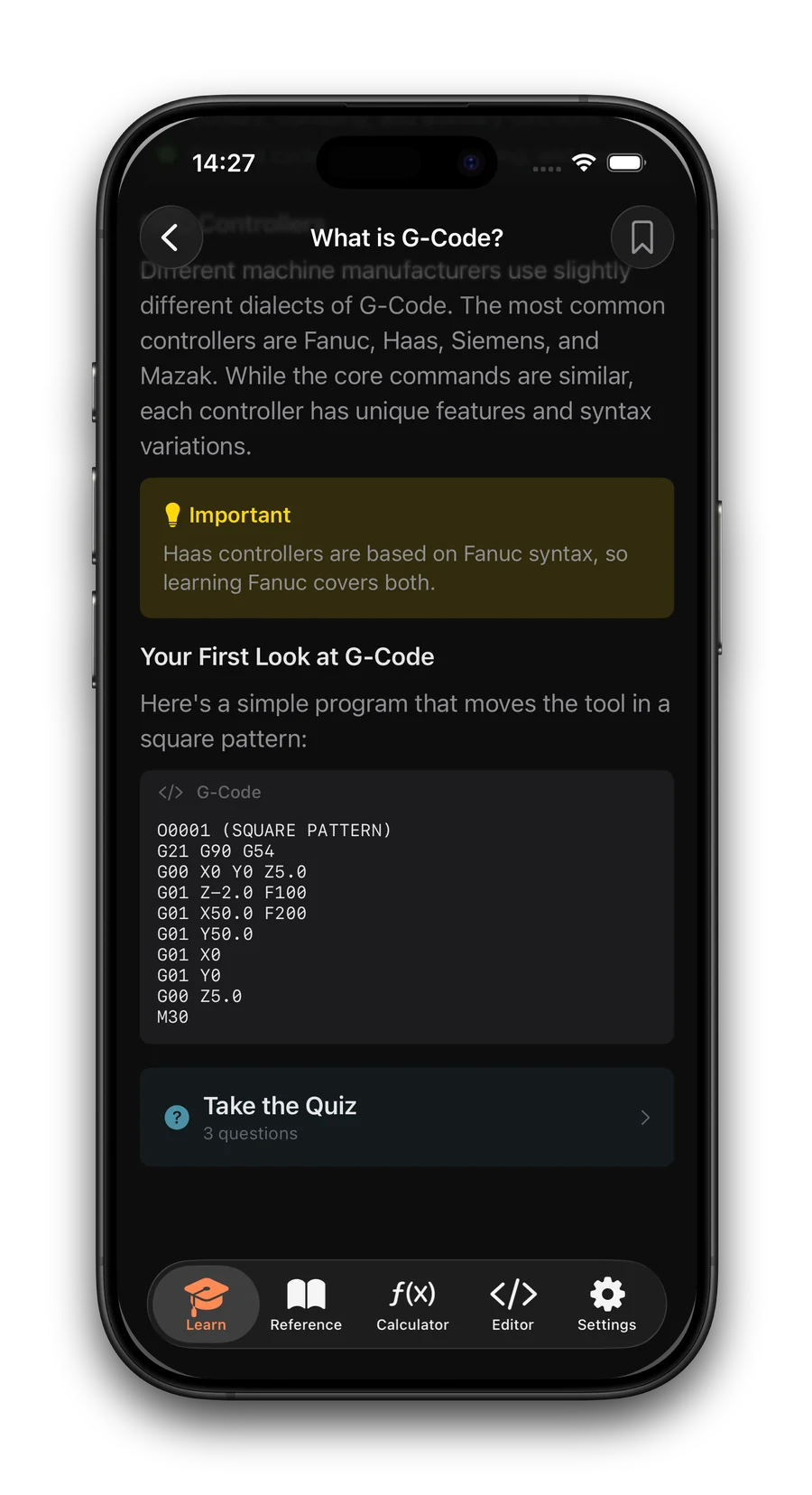
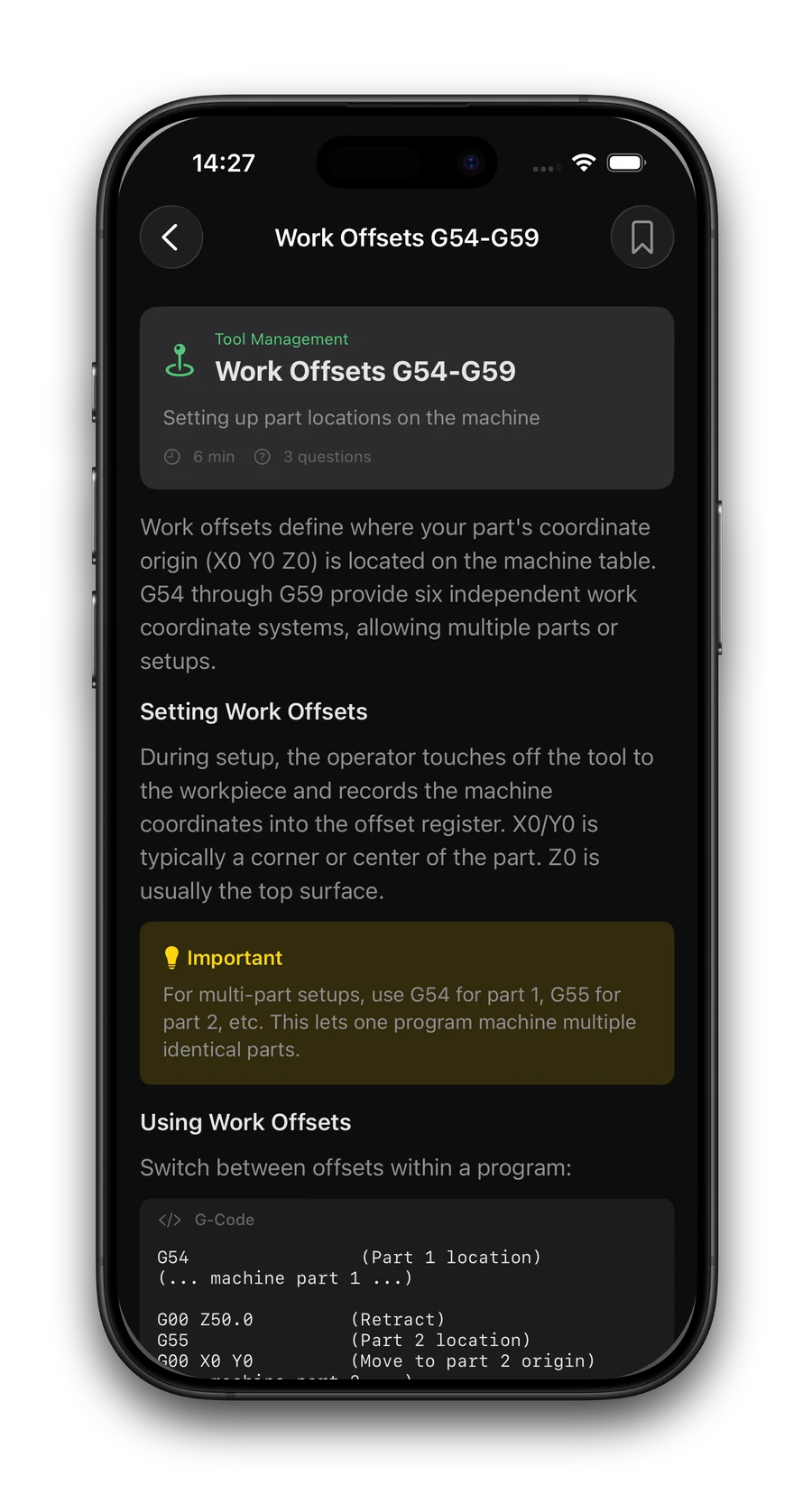
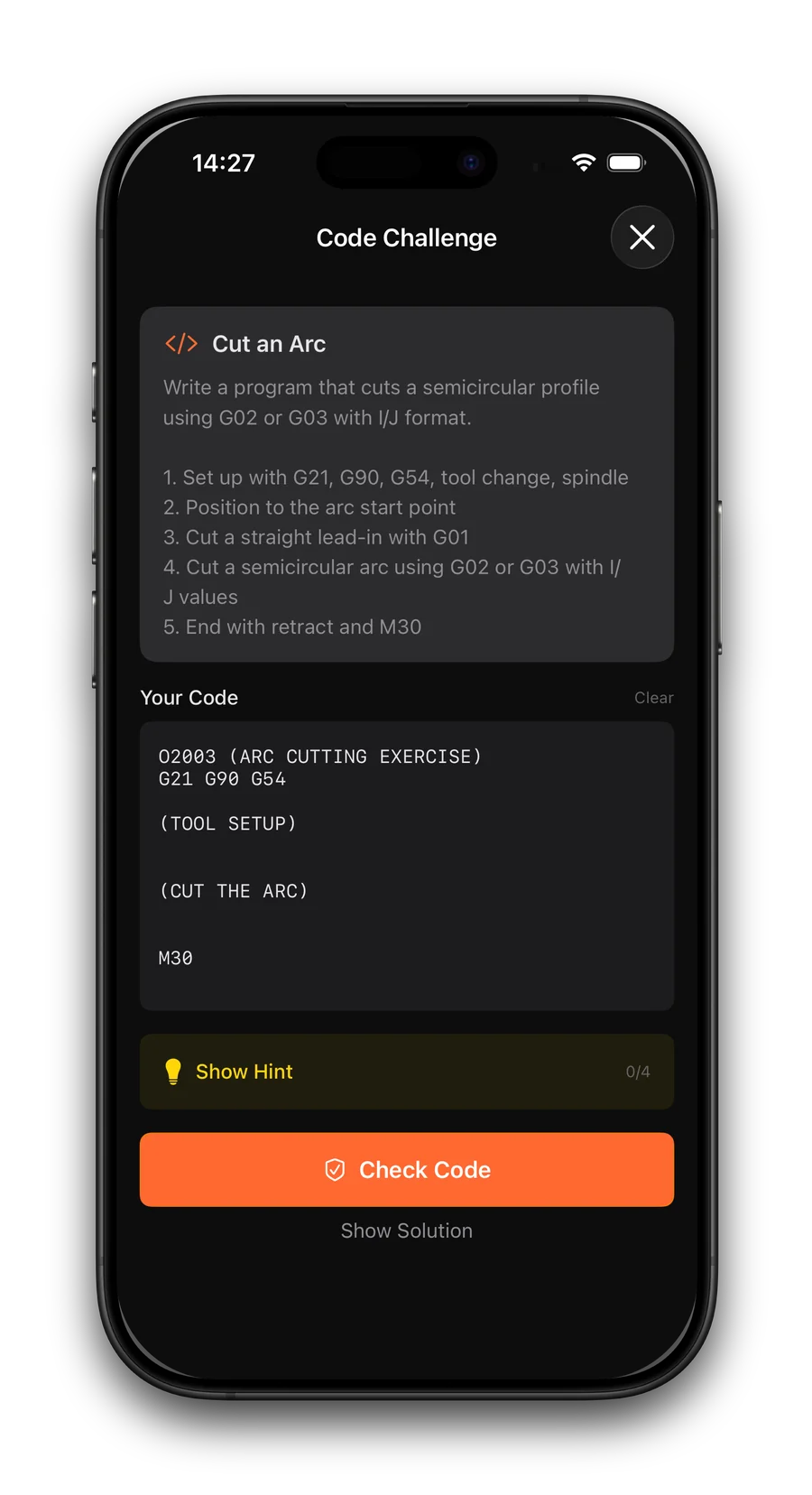
New to CNC? Changing machines? Work through 55 lessons in 11 modules, from motion and coordinates to macros and multi-axis work, and build knowledge that stays with you after you put your phone away.
Understand motion, coordinates and the structure of a G-code program.
All 142 codes.
Yours. Forever.
Every G-code and M-code in the reference is free, always, along with the editor, speeds and feeds and the first two learning modules. Pro unlocks the rest, and you choose how to pay for it.
 Free download · Upgrade inside the app · Prices in USD, the App Store shows your local price
Frequently
asked questions.
The things machinists ask before they download. If yours is not here, write to support@deepskyapps.com.